From NameCheckerai · paid downloads
Templates and workbooks for naming decisions
Step 1
Generate ideas
Start from business context and audience needs, not from whatever happens to be free. Free tool for this step: Business name generator.
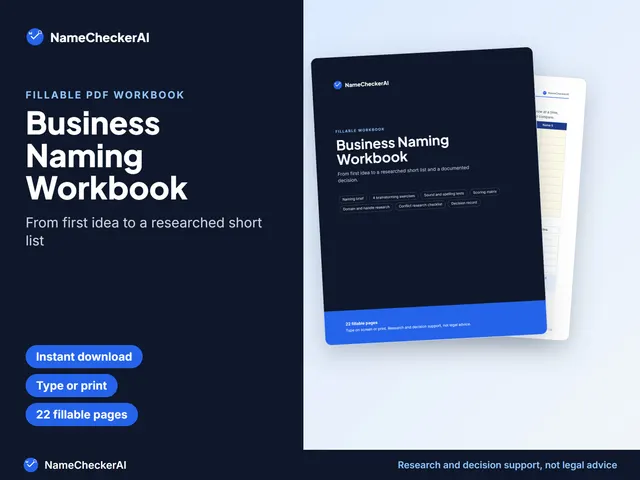
Fillable PDF
Business Naming Workbook
From first idea to a researched short list.
22-page fillable PDF, US Letter.
Step 2
Check digital signals
See what registries, platforms and app stores return for each candidate. Free tool for this step: Domain checker.
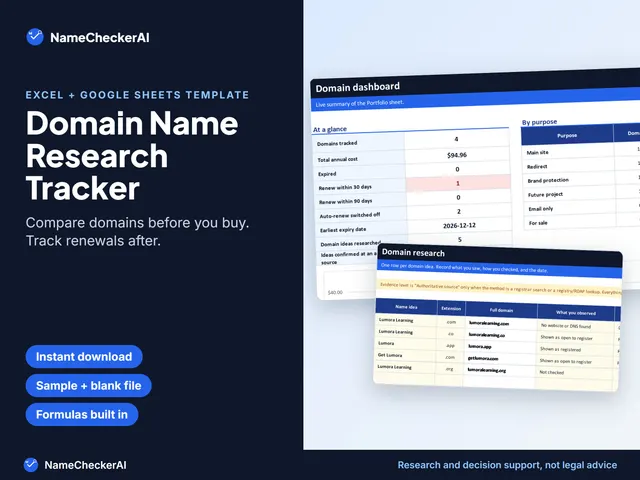
Excel / Google Sheets
Domain Name Research Tracker
Compare domains before you buy. Track renewals after.
Spreadsheet with sample data plus a blank copy. Sheets: Domain Research, Cost Compare, Portfolio, Dashboard.
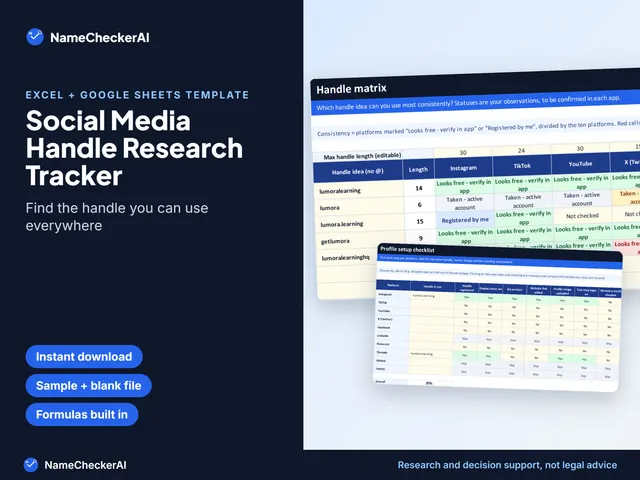
Excel / Google Sheets
Social Media Handle Research Tracker
Find the handle you can use everywhere.
Spreadsheet with sample data plus a blank copy. Sheets: Handle Matrix, Verification Log, Profile Setup.
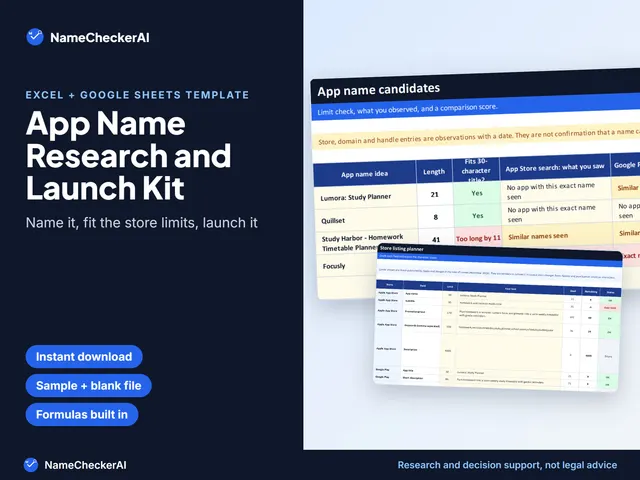
Excel / Google Sheets
App Name Research and Launch Kit
Name it, fit the store limits, launch it.
Spreadsheet with sample data plus a blank copy. Sheets: Name Candidates, Store Listing, Launch Checklist, Checks Log, Official Sources.
Step 3
Research similar names
Look for businesses, products and registered marks that could be confused with yours. Free tool for this step: Business name checker.
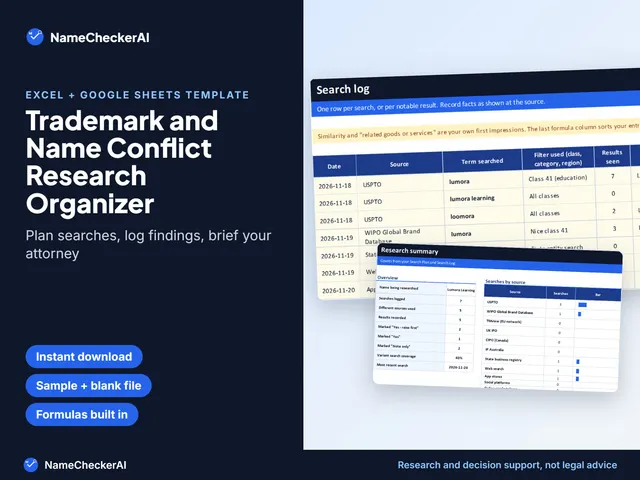
Excel / Google Sheets
Trademark and Name Conflict Research Organizer
Plan searches, log findings, brief your attorney.
Spreadsheet with sample data plus a blank copy. Sheets: Search Plan, Official Sources, Search Log, Summary, Attorney Prep.
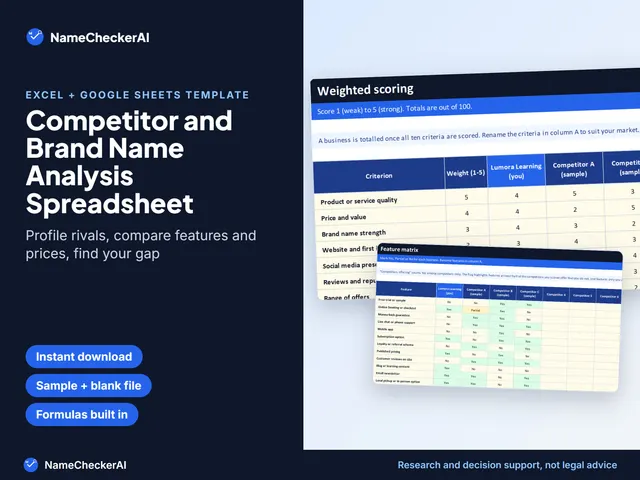
Excel / Google Sheets
Competitor and Brand Name Analysis Spreadsheet
Profile rivals, compare features and prices, find your gap.
Spreadsheet with sample data plus a blank copy. Sheets: Profiles, Scoring, Feature Matrix, Pricing, SWOT and Actions.
Step 4
Evaluate how it lands
Test pronunciation, spelling, meaning and how your audience reads the name. Free tool for this step: Shortlist and scorecard.
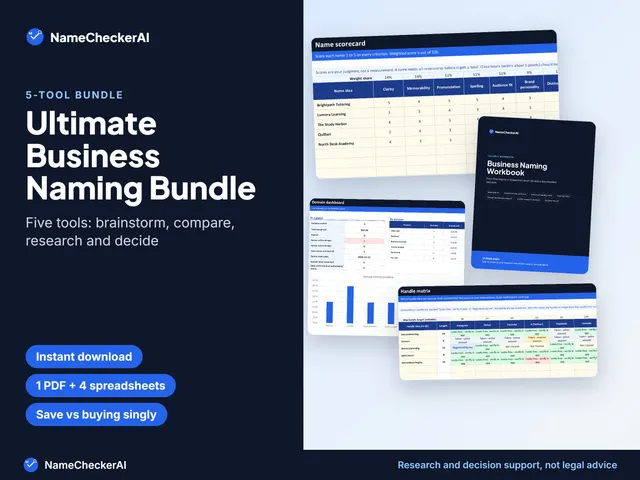
Bundle
Ultimate Business Naming Bundle
Five tools to brainstorm, compare, research and decide.
1 PDF workbook, 4 spreadsheets with sample data, 4 blank spreadsheets and a 2-page guide.
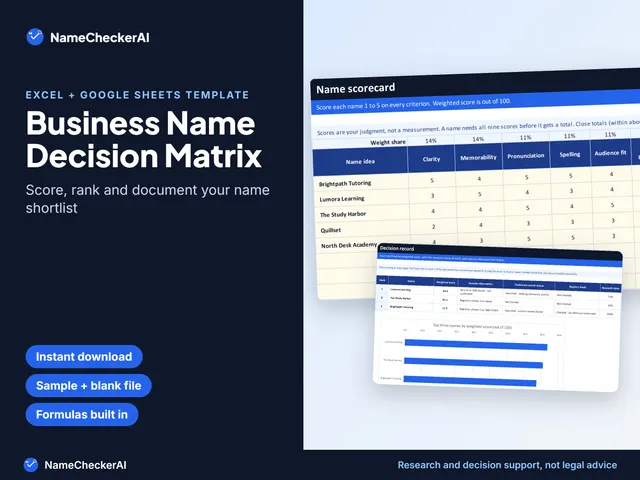
Excel / Google Sheets
Business Name Decision Matrix
Score, rank and document your name shortlist.
Spreadsheet with sample data plus a blank copy. Sheets: Criteria, Scorecard, Research Log, Decision.
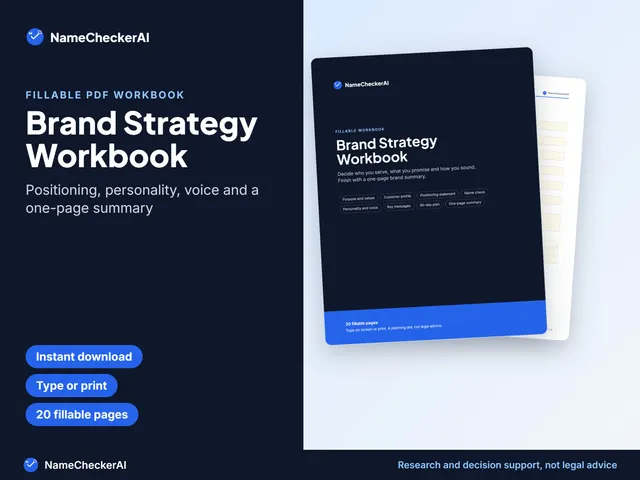
Fillable PDF
Brand Strategy Workbook
Positioning, personality, voice and a one-page summary.
20-page fillable PDF, US Letter.
Step 5
Verify finalists
Confirm with official sources, and qualified advice where the stakes justify it. Free tool for this step: How our checks work.
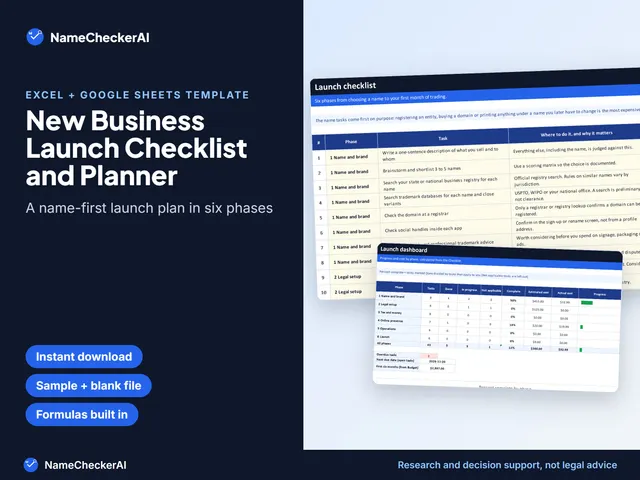
Excel / Google Sheets
New Business Launch Checklist and Planner
A name-first launch plan in six phases.
Spreadsheet with sample data plus a blank copy. Sheets: Checklist, Dashboard, Budget, Key Dates, Official Sources.
All products are sold and delivered by Gumroad at namecheckerai.gumroad.com. Prices are in US dollars and are confirmed at checkout. The templates are organisers for your own research. They do not check availability, clear trademarks or give legal advice.
Questions about the templates
What are these templates?
Spreadsheets and fillable PDF workbooks made by NameCheckerai for people naming a business, product or app. They give you a structure for brainstorming, recording what you checked and when, comparing candidates and preparing for a conversation with an attorney.
Do the templates check availability for me?
No. They are organisers. You run the checks with the free tools on this site and at official sources, then record the results in the template. Nothing in them is a guarantee that a name is available or legally clear.
What software do I need?
The spreadsheets are .xlsx files that open in Microsoft Excel 2016 or later and in Google Sheets. The workbooks are PDFs you can fill in on screen or print.
How do I get the files?
Checkout and delivery are handled by Gumroad. After payment Gumroad gives you a download link and emails you a receipt with the same link.
Are the free tools still free?
Yes. The checkers, generators and guides on NameCheckerai are free. The templates are optional paid extras.
Can I get a refund?
Refunds are handled through Gumroad under the policy shown on each product page. If a file does not open, contact us and we will fix it.